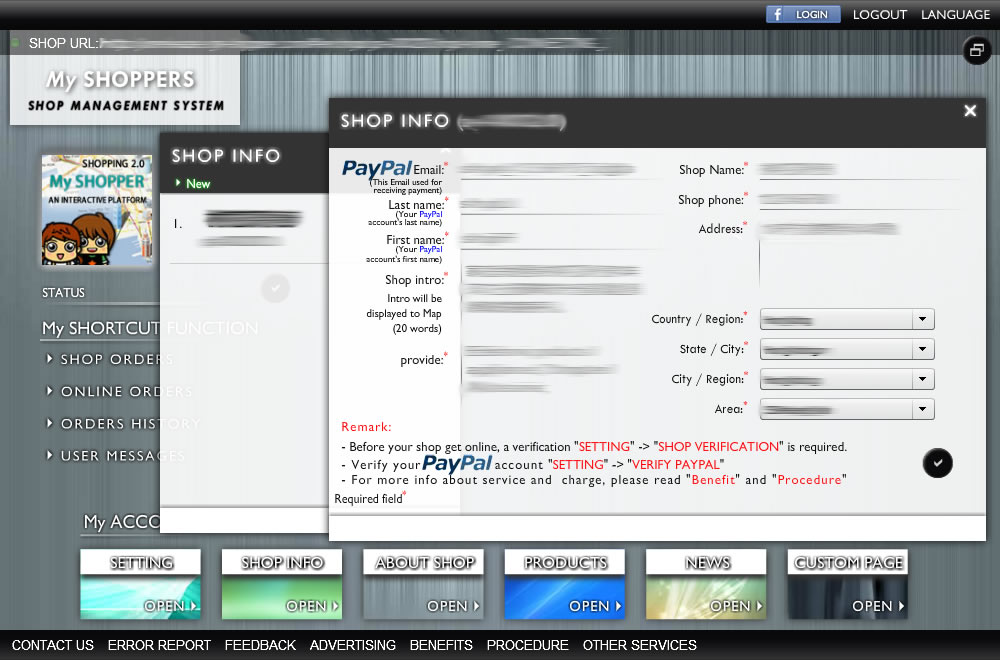
Shop info management
Shop info

Information about your shop, to let your customers easily understand what sort of services/products that your shop provides.
HOW : SYSTEM -> My ACCOUNT -> SHOP INFO
- Simply, provide your shop name, phone, address, and what your shop provides
- Save it by clicking "tick" button
- if you have more one shop that would like to register, in SHOP INFO window -> NEW -> and do the above steps
About shop
An overview of your shop. (Multi-language is supported)
HOW : SYSTEM -> My ACCOUNT -> ABOUT SHOP
- Save it by clicking "tick" button
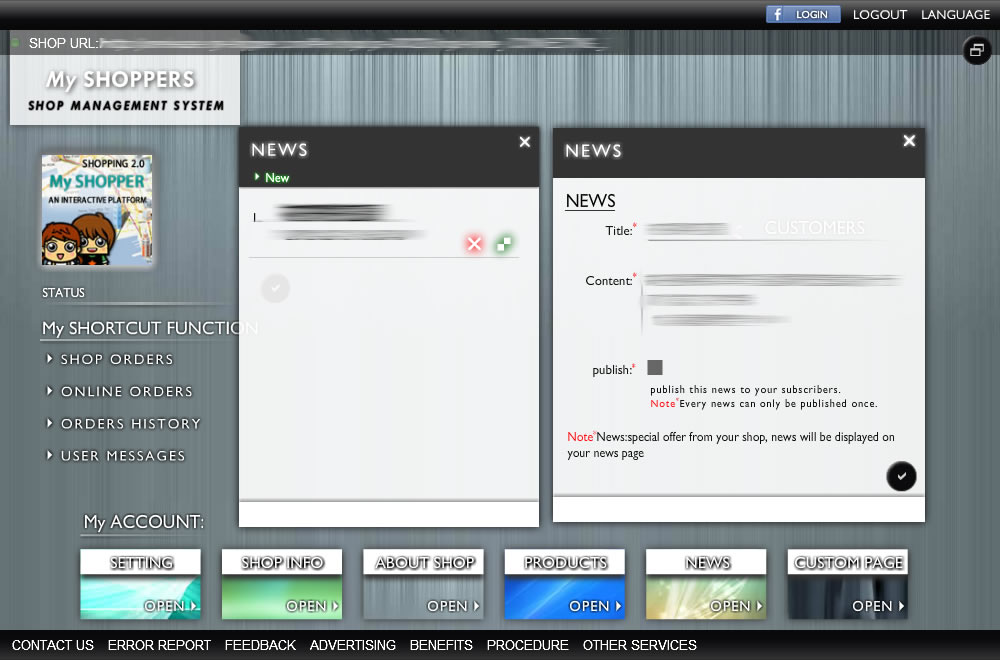
News
Publishing (promotion, information, or special offer) news to your customers
HOW : SYSTEM -> My ACCOUNT -> NEWS
- To create a news by clicking "New" button
- Enter title, and content
- [COMING SOON] with checked "publish" button, the news will be sent to your subscribed customers via Email
- Save it by clicking "tick" button
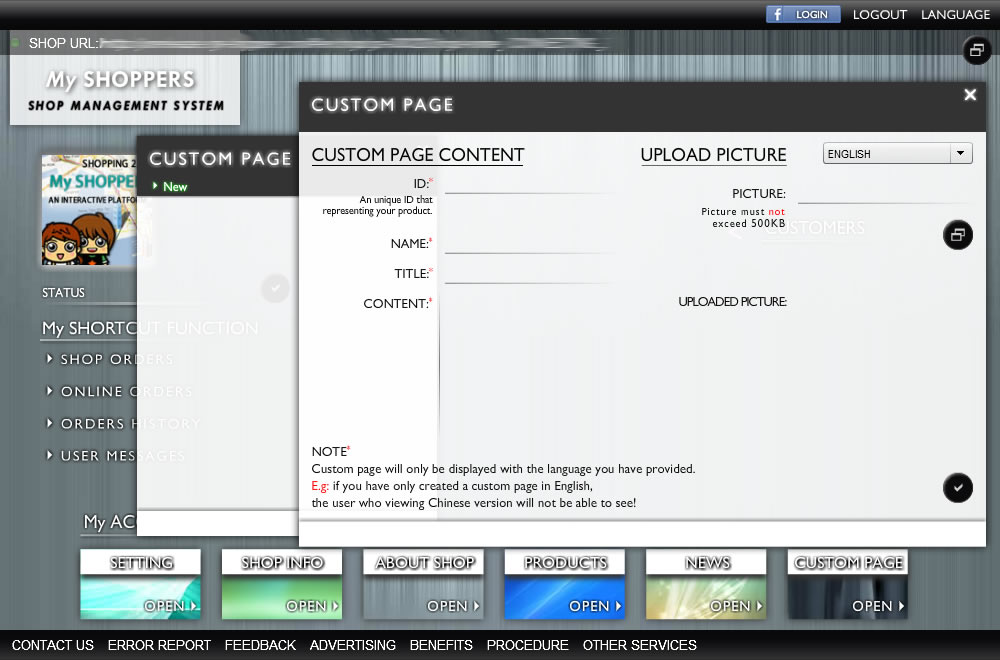
Custom page (Multi-language is supported)
If you have more pages/information that would like to show in your online shop, you can create it by yourself
HOW : SYSTEM -> My ACCOUNT -> CUSTOM PAGE
- To create a new custom page by clicking "New" button
- Enter an ID, name, title, content, and you can upload one image with this custom page (if any)
- Save it by clicking "tick" button